Book it yourself
Book the hotel yourself. Keep every benefit.
Search and book online through Classic Travel, our booking partner. Create a free account to see rates, then choose the rate marked with the hotel’s program — for example Virtuoso or Hyatt Privé — and the preferred-partner benefits are included. No fees, and no need to contact us first.
Create your account through this link and it stays linked to Riviario for good — next time, simply sign in at Classic Travel.
How it works
Four steps, then you're booked
Open riviario.com/book
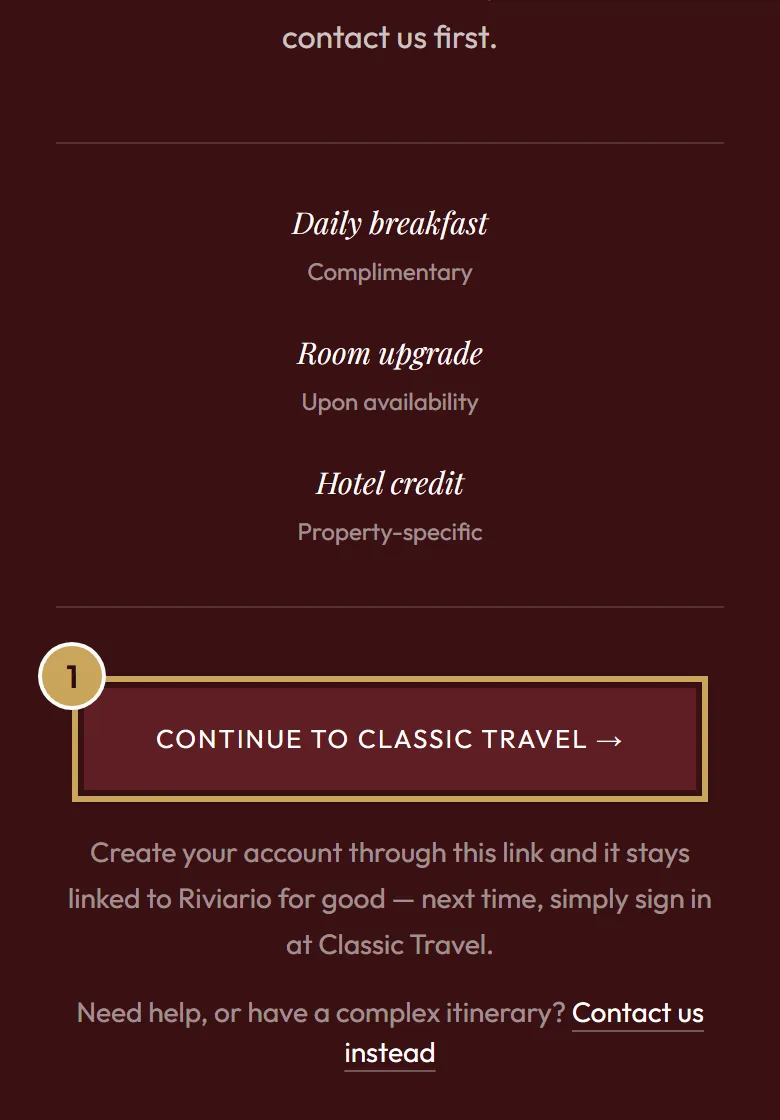
The short link brings you to this page. Click Continue to Classic Travel. An account created through that link stays linked to Riviario.
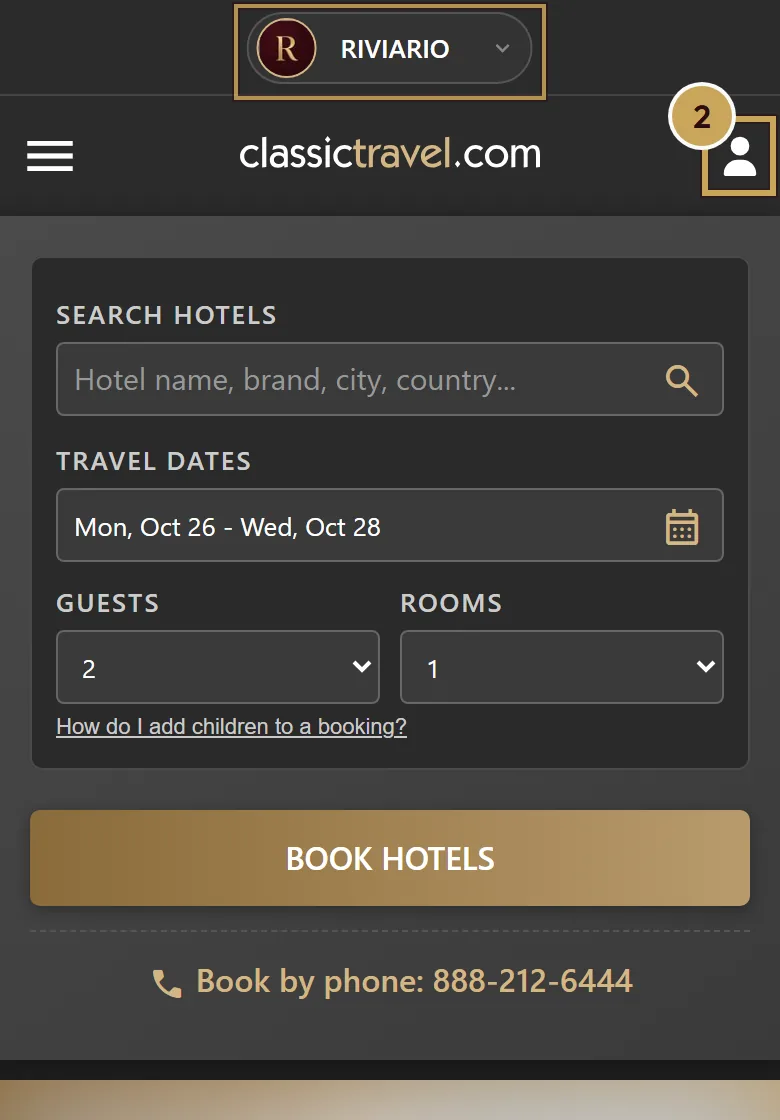
Look for Riviario, then create an account
Riviario at the top shows the link worked. Create a free account under Login / Register, the person icon on a phone. Rates only show once you’re signed in.
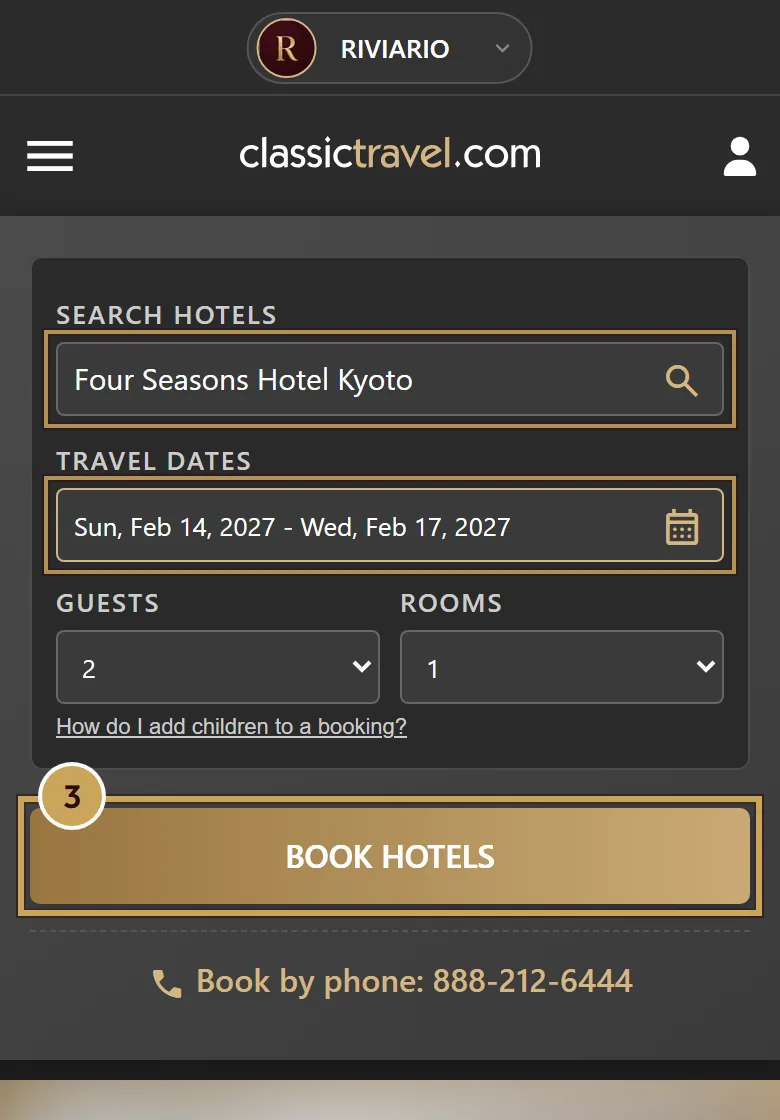
Search for the hotel and your dates
Type the hotel or city, choose your dates and click Book Hotels.
Choose the rate marked with the program
Pick a rate with the program in its name, for example Virtuoso or Hyatt Privé. That rate includes the benefits. Then complete your booking with Classic Travel.
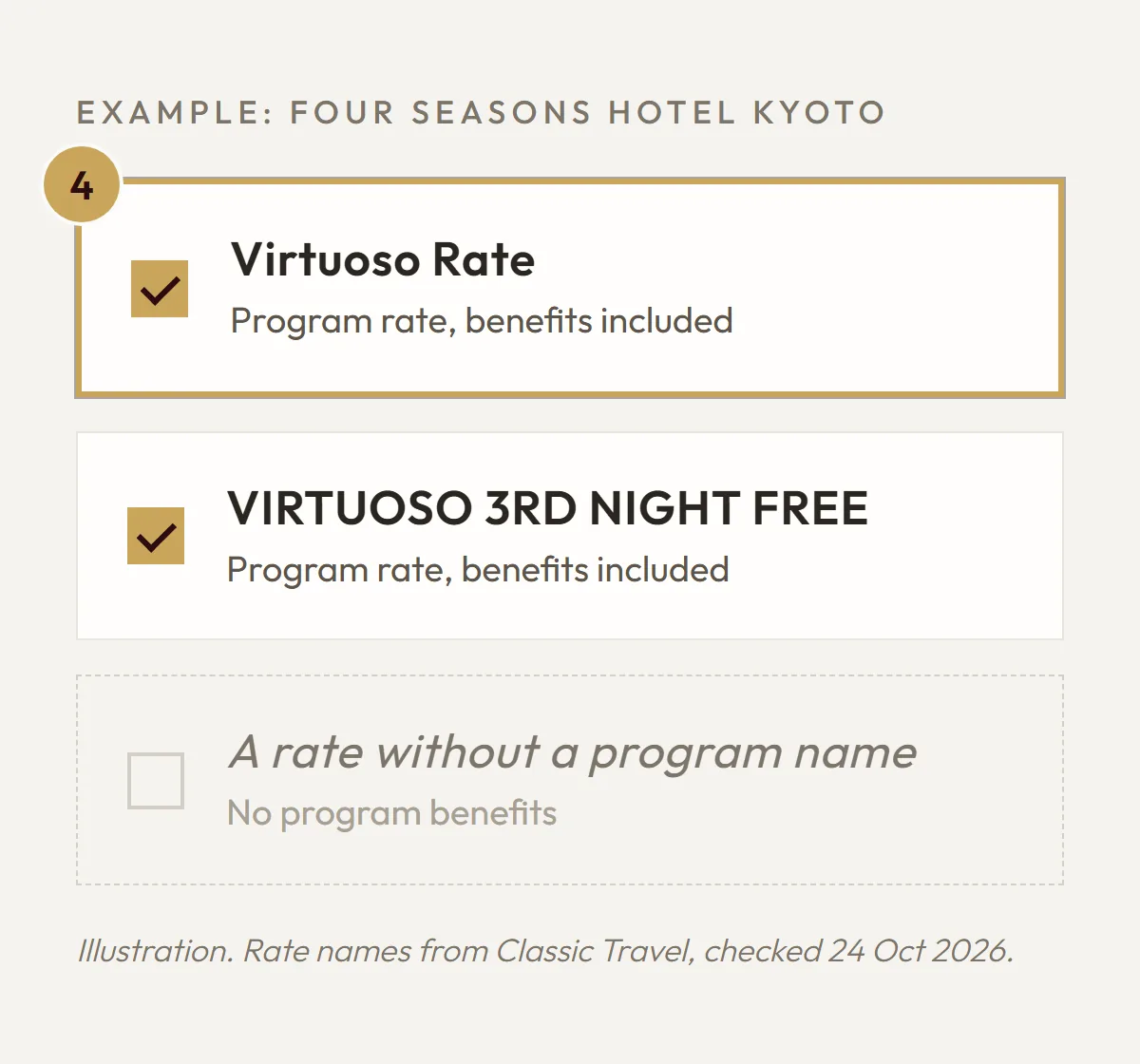
Illustration, not a screenshot from Classic Travel.


Classic Travel's site is in English and works best on a computer. The phone number there goes to the US, so if you have questions, contact us instead.
When a consultation is the better choice
For most stays, booking yourself is the quickest route. Travelling with family, need several or connecting rooms, staying at more than one hotel, or celebrating something special? Get in touch and we'll come back with a tailored proposal.
Schedule a consultation